


How to Train Staff on Clinic Patient Management Software Effectively
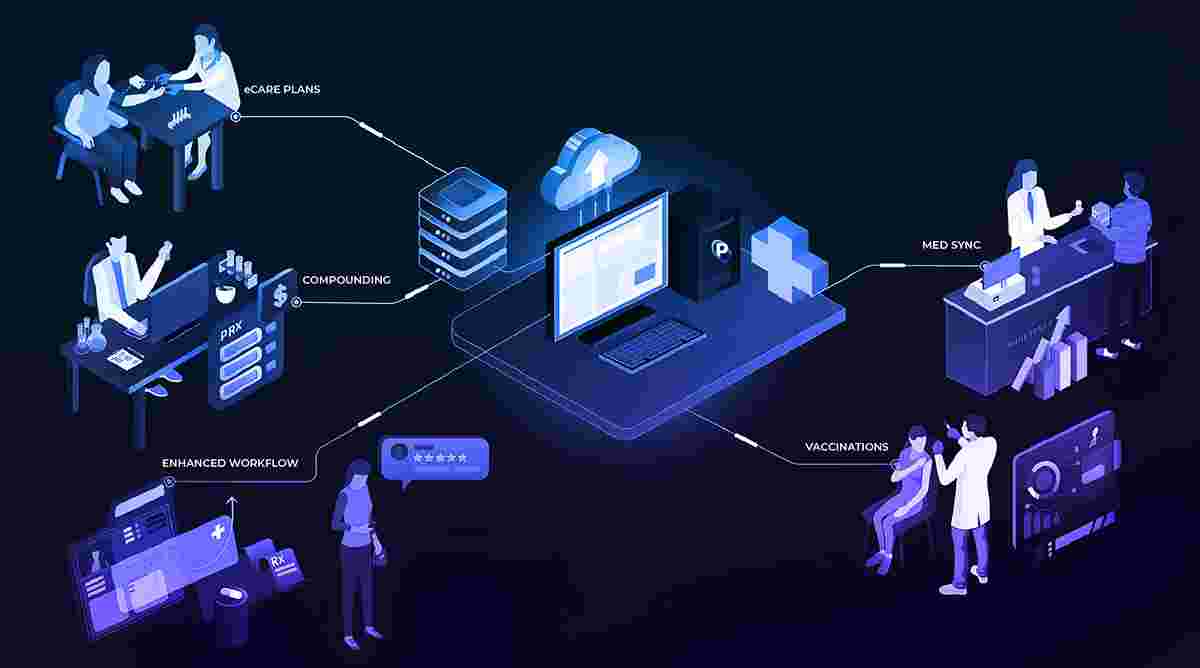
Adopting digital tools in healthcare is no longer optional it’s essential. However, implementing a new system is only half the battle. The real success lies in how well your staff can use it. Even the most advanced clinic patient management software can fail to deliver results if employees are not properly trained.
Effective training ensures that your team understands the system, uses it efficiently, and integrates it into daily workflows without disruption. This article explores practical strategies to train clinic staff on patient management software in a structured, efficient, and sustainable way.
Understand Staff Roles and Training Needs
Before starting any training program, it’s important to evaluate the different roles within your clinic. Doctors, receptionists, billing staff, and administrators all interact with the software differently, so a one-size-fits-all approach won’t work.
By identifying role-specific needs, you can design targeted training sessions that focus on relevant features. This makes learning more efficient and ensures that staff members are not overwhelmed with unnecessary information.
Start with a Clear Training Plan
A structured training plan is the foundation of effective learning. Instead of rushing into demonstrations, outline a roadmap that includes objectives, timelines, and key learning outcomes.
Break the training into manageable modules such as patient registration, appointment scheduling, billing, and reporting. This step-by-step approach helps staff gradually build confidence and retain information better.
Provide Hands-On Training Sessions
Theory alone is not enough when it comes to software training. Staff members need practical experience to truly understand how the system works in real-life scenarios.
Hands-on sessions allow employees to perform tasks like booking appointments, updating patient records, and generating invoices. This interactive learning approach significantly improves skill retention and reduces errors during actual use.
Use Real-Life Scenarios for Practice
Training becomes more effective when it reflects real-world situations. Instead of generic examples, use case-based scenarios that mimic daily clinic operations.
For instance, simulate patient check-ins, emergency appointments, or billing corrections. This helps staff understand how to respond to common challenges and ensures they are prepared for real situations.
Offer Role-Based Training Modules
Different staff members require different levels of expertise. Doctors may focus on clinical documentation, while front-desk staff need to master scheduling and patient communication.
Role-based modules ensure that each team member receives relevant training without unnecessary complexity. This targeted approach saves time and increases overall efficiency.
Encourage Continuous Learning and Support
Training should not be a one-time event. As software updates and clinic needs evolve, ongoing learning becomes essential to maintain efficiency.
Provide access to tutorials, user manuals, and support channels. Encouraging staff to ask questions and seek help fosters a culture of continuous improvement and confidence in using the system.
Assign Super Users or Champions
One effective strategy is to designate “super users” within your clinic. These are team members who receive advanced training and act as internal experts.
They can assist colleagues, troubleshoot minor issues, and ensure smooth adoption across the clinic. Having in-house support reduces dependency on external help and speeds up problem resolution.
Monitor Progress and Gather Feedback
To ensure the success of your training program, it’s important to track progress and evaluate performance. Regular assessments can help identify knowledge gaps and areas that need improvement.
Feedback from staff is equally valuable. Understanding their challenges and suggestions allows you to refine the training process and make it more effective over time.
Simplify the User Experience
Training becomes easier when the software itself is user-friendly. Systems with intuitive interfaces, clear navigation, and minimal complexity reduce the learning curve significantly.
Choosing software that prioritizes usability ensures that staff can quickly adapt and perform tasks without constant guidance, making the training process smoother and more efficient.
Reinforce Training with Documentation
Providing written and visual resources helps reinforce learning and serves as a reference for staff when needed. These can include step-by-step guides, video tutorials, and FAQs.
Accessible documentation ensures that employees can revisit key concepts anytime, reducing errors and boosting confidence in using the system independently.
Conclusion
Training staff effectively is the key to unlocking the full potential of any digital healthcare solution. A well-planned approach that includes role-based learning, hands-on practice, continuous support, and performance monitoring can significantly improve adoption rates and overall efficiency.
As clinics in Pakistan continue to embrace digital transformation, platforms like Instacare.com.pk are helping healthcare providers implement user-friendly and scalable solutions. By focusing on structured training and ongoing learning, clinics can ensure that their teams are fully equipped to use modern clinic patient management software effectively, leading to improved workflows, better patient care, and long-term success.
 Turkish
 English
 Arabic
 French
 Spanish
 Portuguese
 Deutsch
 Dutch
Dutch
 Italiano
 Russian
 Romaian
 Portuguese (Brazil)
 Greek
Greek
